
Why Easy Parked leads city parking
Easy Parked stands out as the primary tool for urban drivers because it combines the widest coverage in Europe with a frictionless payment interface. While traditional parking meters often require exact change or suffer from technical failures, Easy Parked allows you to pay for parking directly from your mobile device. This eliminates the need to carry cash coins and reduces the time spent searching for an operational meter.
The app’s strength lies in its extensive network. As the number one parking app in Europe for coverage, it supports payments in both street-side spots and private garages. This broad integration means you can rely on a single platform for most of your city driving needs, rather than juggling multiple apps or payment methods.
Finding a spot is equally straightforward. The app helps you locate available parking spaces and start your session with a few taps. This speed and reliability are critical in dense urban environments where time is limited. By removing the physical interaction with meters, Easy Parked offers a cleaner, more efficient parking experience.
How to start parking with Easy Parked
Getting started with Easy Parked is designed to be as quick as the parking session itself. The app follows a simple "spin, tap, and go" workflow that removes the guesswork from finding a spot and paying for it. Instead of hunting for loose change or fumbling with meter displays, you handle everything from your phone.
The process breaks down into three clear actions: finding your zone, confirming your vehicle, and extending your time. Here is how the workflow functions in practice.
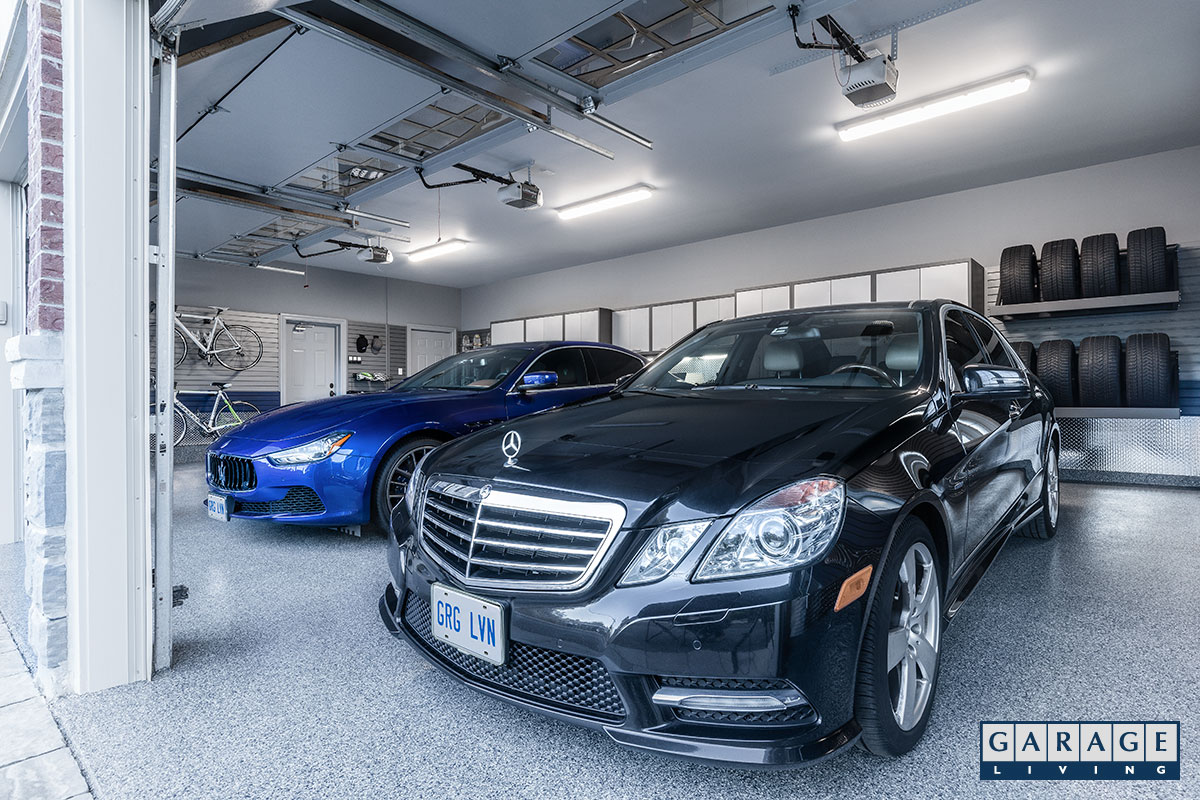
Open the app and allow location access, or manually search for your current street or garage. Easy Parked uses GPS to detect nearby pay zones, displaying them on a map with clear boundaries. You can also scan a QR code posted on the curb or meter to instantly lock onto your specific spot. This ensures you are paying for the correct zone, avoiding accidental fines for being in the wrong area.
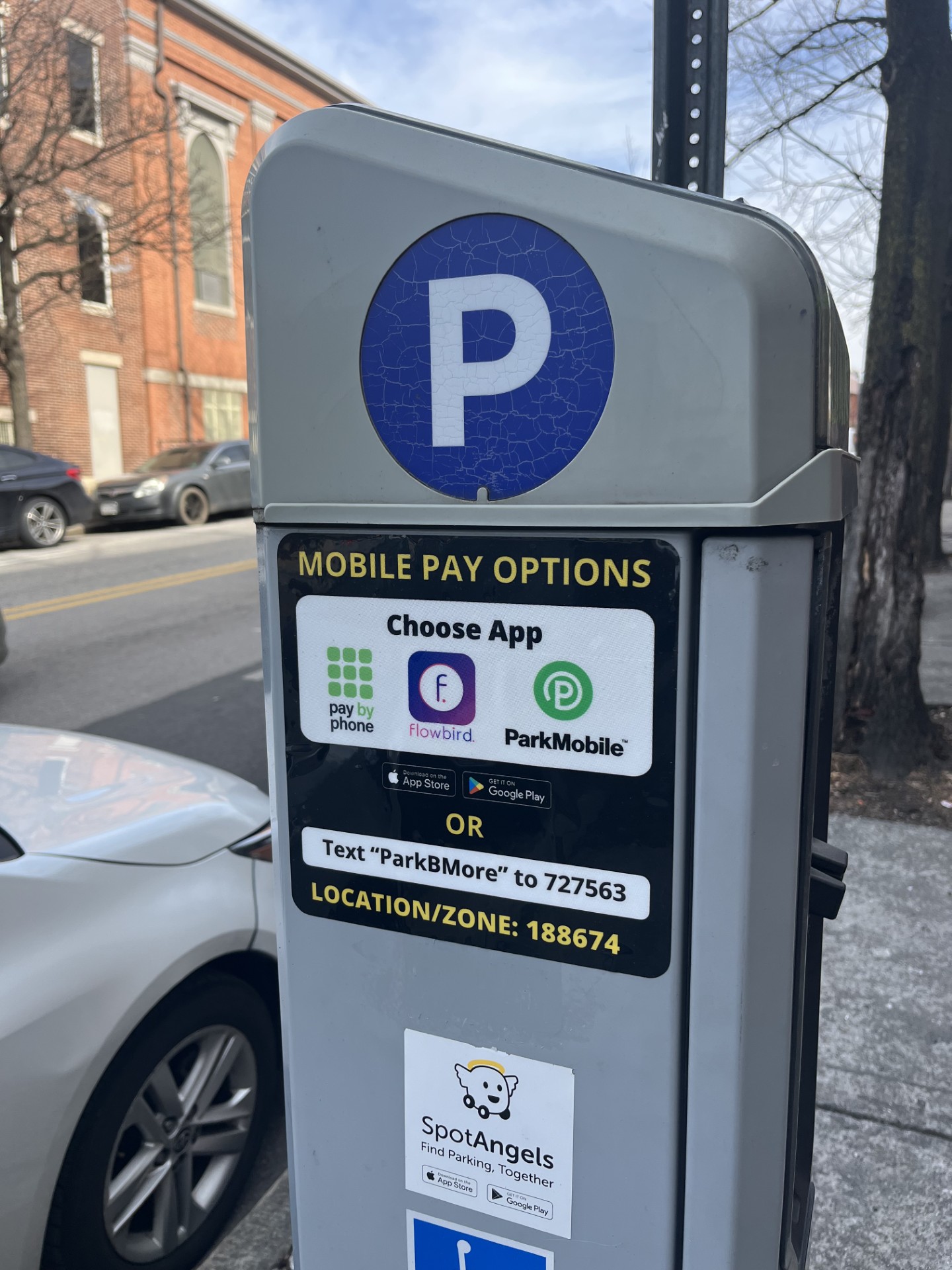
If you have multiple cars registered in your profile, the app will ask you to select which vehicle you are parking. This step is critical for compliance; the license plate you select is the one that will be monitored by enforcement cameras. You can add new vehicles here by entering the license plate number and making the vehicle your default for future sessions.
Choose your desired duration and confirm the payment. The app processes the transaction instantly, and you receive a digital receipt. Unlike physical meters, Easy Parked allows you to extend your parking time remotely from anywhere. You can add minutes or hours before your current session expires, ensuring you never get a ticket for overstaying even if you are still inside a building or meeting.
This workflow applies whether you are paying for street parking or electric vehicle charging. The app automatically adjusts the pricing based on the zone and time of day, and it can even split charging costs between business and private accounts if you have that feature enabled. Once the session is active, you can monitor the remaining time directly in the app dashboard.
Best parking options for popular destinations
Navigating high-demand areas like stadiums, airports, and city centers requires more than just a map; it requires a system that handles the complexity of urban logistics. Easy Parked excels in these environments by integrating real-time availability with seamless payment gateways, removing the guesswork from finding a spot.
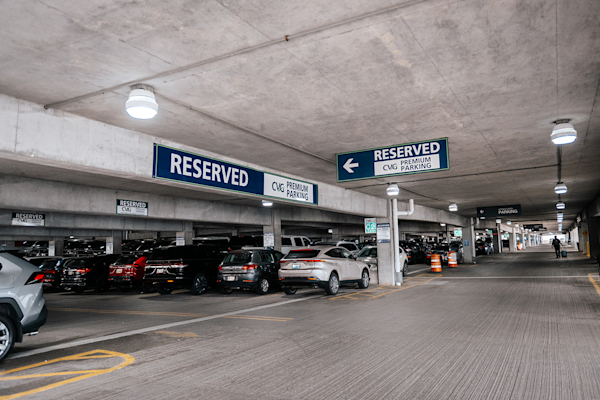
At major airports, the app acts as a digital concierge. Drivers can pre-book reserved spaces, reducing the stress of navigating unfamiliar lots with heavy luggage. The interface displays clear walking distances and shuttle schedules, ensuring you reach your terminal with time to spare. This level of detail is particularly useful at large hubs like Cincinnati/Northern Kentucky International Airport, where parking zones are spread across vast distances.
For city centers and stadium districts, the primary value lies in dynamic pricing and availability updates. Instead of circling blocks, users see active zones and immediate costs. The app aggregates data from multiple municipal providers, allowing a single transaction to cover different parking authorities. This consolidation is critical during peak events, where demand spikes and standard rates may fluctuate.
The platform also supports multi-modal trips. If you are driving to a transit hub, Easy Parked can combine parking fees with public transit passes, splitting costs between personal and business accounts if needed. This feature simplifies expense reporting for commuters who frequently park and ride.
Related parking gear
While the app handles the digital side, having the right physical tools can further streamline your parking routine. These accessories complement your smartphone setup for a smoother experience.

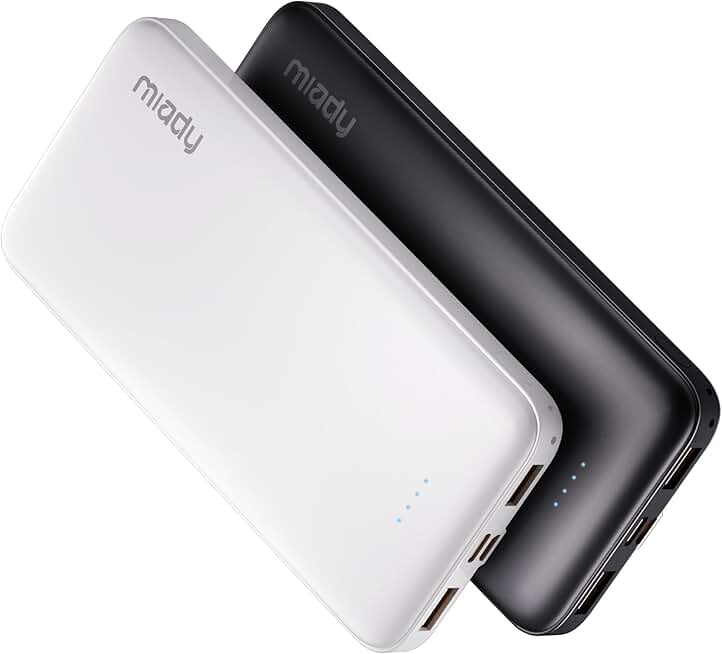

As an Amazon Associate, we may earn from qualifying purchases.
Tips for finding free parking spots
Finding free parking in a busy city often requires looking beyond the obvious street corners. Most modern parking apps, including EasyPark, allow you to filter search results by cost. By setting your price filter to zero or a low maximum, you can quickly surface municipal lots or street zones that offer free time, such as evenings, weekends, or specific public holidays.
Beyond simple price filters, look for features that highlight off-peak availability. Apps often display real-time data on when popular paid zones expire. For instance, if a street zone is free after 6:00 PM, the app can notify you if you are approaching that window. This helps you plan your route to end your trip just as the paid period ends, effectively turning a paid spot into a free one without the risk of a ticket.
Always verify the specific rules of the zone before leaving your car. A spot might be free for residents only, or have a short 15-minute loading zone limit. Use the app’s detailed zone information to read the fine print. This step prevents unexpected fines and ensures that the "free" status applies to your vehicle type and duration of stay.
-
Check if the zone is free on weekends or holidays
-
Verify if the spot is resident-only
-
Confirm the maximum time limit for free parking
Using these app features strategically turns parking from a guessing game into a calculated decision. You save money by leveraging the data already available in your pocket, rather than circling blocks hoping for a miracle.
Easy Parked vs other parking apps
Finding a spot is only half the battle; paying for it shouldn't be. While generic parking apps often force users to toggle between different providers or juggle multiple subscriptions, Easy Parked streamlines the entire process into a single interface. This consolidation is particularly valuable for city drivers who navigate diverse municipal zones.
The app distinguishes itself through its extensive coverage map, which includes not just street parking but also major garage networks. Beyond standard payments, it handles electric vehicle charging fees directly, splitting costs between private and business accounts automatically. This reduces the friction of managing separate invoices for fuel and parking.
The following comparison highlights how Easy Parked stacks up against typical alternatives in the market.
| Feature | Easy Parked | Generic Parking Apps |
|---|---|---|
| Coverage Scope | Streets + Garages + EV Charging | Usually Streets Only |
| Payment Handling | Unified single transaction | Split across providers |
| EV Cost Splitting | Automatic business/private split | Manual tracking required |
| Subscription Model | Pay-as-you-go | Often requires monthly fee |
Common questions about Easy Parked
Finding the right parking app can save time and money, but features vary by region and vehicle type. Here are answers to the most frequent questions drivers ask about EasyPark.
No comments yet. Be the first to share your thoughts!